

XGY Systems Intelligence
AI Computing.
Your Way.
Discover AI workstations built for local intelligence, private AI workloads, and next-generation development.
Max · Pro · Pocket XGY SI AI Workstation Series
Which workstation fits your work?
Three form factors for local AI: a flagship desktop, an everyday professional machine, and a compact device for the edge.
-
Flagship
Workstation Max
The most capable local AI platform in the lineup, in a compact desktop.
- 240 TOPS AI compute, FP8 dense
- 96 GB Memory, LPDDR5X
- 16 cores CPU, Arm Cortex-A78AE
Size: about 2.3 L, 160 × 160 × 90 mm
-
Professional
Workstation Pro
AMD Ryzen AI Max+ 395, 128 GB and 2 TB in a 1.7 L silver mini desktop.
- 126 TOPS AI compute, INT8
- 128 GB Memory
- 16 cores CPU, AMD Ryzen AI Max+ 395
Size: about 1.7 L
-
Compact
Workstation Pocket
Compact AI computing wherever your work takes you.
- 46 / 166 TOPS AI compute, INT8 (card options)
- 16 / 32 GB Memory options
- 8 cores CPU, Arm Cortex-A76 + A55
Size: 142 × 80 mm footprint


Flagship
Workstation Max
Flagship local AI, in a 2.3-litre desktop.
Workstation Max pairs a 16-core Arm CPU with a dedicated 240 TOPS (FP8 dense) NPU and 96 GB of high-bandwidth memory, for local AI development and inference on your desk.

- Dedicated NPU, FP8 dense
- 240 TOPS
- LPDDR5X memory
- 96 GB
- Memory bandwidth
- 409 GB/s
- RJ45 networking
- 2 × 10 GbE
-
Dedicated AI acceleration
An NPU rated at 240 TOPS (FP8 dense) is built in for supported local inference workloads, alongside a 16-core Arm Cortex-A78AE CPU at 2.4 GHz.
-
Memory with headroom
96 GB of LPDDR5X with 409 GB/s of bandwidth leaves room for larger models and working datasets to stay in memory.
-
Built to integrate
Dual 10GbE, an M.2 2280 PCIe 4.0 x4 slot and an Ubuntu-based Linux platform fit existing networks and development workflows.


Connections at the rear
Displays, networking and power connect at the back, keeping the front of your desk clear.
- Display
- 2 × HDMI: one 4K 60 Hz, one 1080p 60 Hz
- Network
- 2 × RJ45 10GbE
- Power
- Power input

Professional
Workstation Pro
A powerful everyday workspace for local AI development, creative work and productivity.
- Maximum core performance
- AMD Ryzen AI Max+ 395 with Radeon 8060S integrated graphics delivers 126 TOPS (INT8) of total AI compute for running very large models locally.
- Certified power supply
- A 330 W internationally certified power supply for stable operation under prolonged high loads.
- Cool and quiet thermals
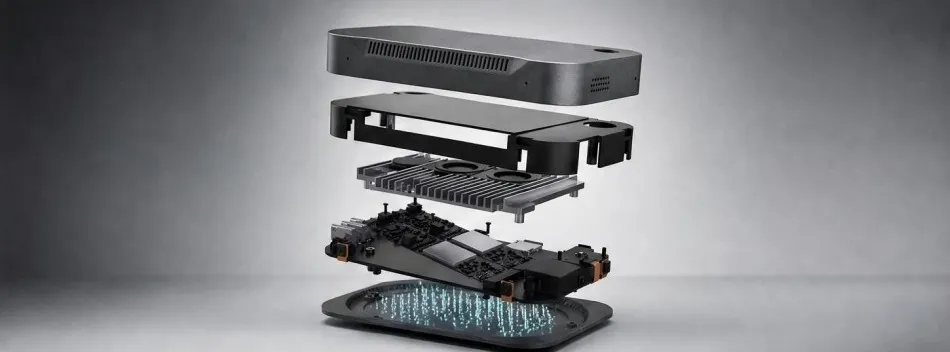
- IceBlast 5.0 cooling with dual fans and copper heat pipes: 140 W sustained, 160 W peak, with CPU, GPU and NPU running concurrently.
- Comprehensive connectivity
- 2 × USB4 (40 Gbps), 2 × HDMI 2.1, 2 × 2.5GbE, Wi-Fi 7 and Bluetooth 5.4.

Compact
Workstation Pocket
Compact AI computing wherever your work takes you.
- On-site and space-constrained installations
- Prototyping edge AI applications
- Video and media processing close to the source
- AI compute
- 46 TOPS (INT8) standard card, 166 TOPS (INT8) upgraded card
- CPU
- 4 × Cortex-A76 + 4 × Cortex-A55
- Memory
- 16 GB or 32 GB
- Storage
- 256 GB, expandable to 2 TB
- Wireless
- Wi-Fi 6, Bluetooth 5.0
- Video
- Hardware decode up to 8K 60 fps, encode up to 8K 30 fps

Compare the workstations
Published specifications only. Details will be added as configurations are finalised. AI performance figures use different precisions (FP8 and INT8) and are not directly comparable.
| Overview | |||
|---|---|---|---|
| Positioning | Flagship local AI workstation | Professional mini desktop AI workstation | Compact edge AI device |
| Primary audience | AI developers, research teams and businesses running demanding local AI work | AI developers, professional creators and power users | Edge AI developers, engineers and technical professionals |
| Typical workloads | Local inference, model evaluation, AI application development | Local large language models, generative AI, 4K/8K content creation, rendering | Edge inference, prototyping, video and media processing |
| Deployment | Desk, lab or office network | Desk, studio or small office | On-site, mobile or space-constrained installations |
| Form factor | Compact desktop | Mini desktop | Palm-sized |
| Platform | |||
| CPU | 16 cores · Arm Cortex-A78AE, 2.4 GHz | 16 cores / 32 threads · AMD Ryzen AI Max+ 395 | 8 cores · 4 × Arm Cortex-A76 + 4 × Arm Cortex-A55 |
| AI acceleration | 240 TOPS (FP8 dense) · dedicated NPU | 126 TOPS (INT8) · platform total; XDNA 2 NPU 50+ TOPS | 46 or 166 TOPS (INT8) · AI compute card, standard or Max option |
| Memory | 96 GB · LPDDR5X, 409 GB/s | 128 GB | 16 GB or 32 GB |
| Storage | Set by configuration · 1 × M.2 2280 PCIe 4.0 x4 slot | 2 TB SSD · SD card slot | 256 GB · expandable to 2 TB |
| Operating system | Linux (Ubuntu) | Windows 11 Pro | Android, Linux, Ubuntu or Debian · by configuration |
| Connectivity and media | |||
| Networking | 2 × 10GbE · RJ45 | 2 × 2.5GbE · RJ45 | Not yet published |
| Wireless | Wi-Fi and Bluetooth · on-board BL-M6652AUE module | Wi-Fi 7 · Bluetooth 5.4 | Wi-Fi 6 · Bluetooth 5.0 |
| Display outputs | 2 outputs · 1 × HDMI 2.0b (4K 60 Hz), 1 × HDMI 2.0 (1080p 60 Hz) | 4 outputs · 2 × HDMI 2.1, 2 × USB4 (DisplayPort 2.1) | Not yet published |
| USB | USB-A and USB-C · speeds depend on configuration | 8 ports · 2 × USB4 (40 Gbps), 2 × USB-C 3.2 Gen 2, 3 × USB-A 3.2 Gen 2, 1 × USB 2.0 | Not yet published |
| Video engine | Not yet published | Not yet published | 8K · decode 8K 60 fps (H.265 / VP9), 8K 30 fps (H.264), 4K 60 fps (AV1); encode 8K 30 fps (H.265 / H.264) |
| Audio | 1 × 3.5 mm combo jack | 1 × 3.5 mm stereo headphone jack | 5 microphones |
| Physical | |||
| Size | About 2.3 L · 160 × 160 × 90 mm | About 1.7 L | 142 × 80 mm footprint · height by configuration |
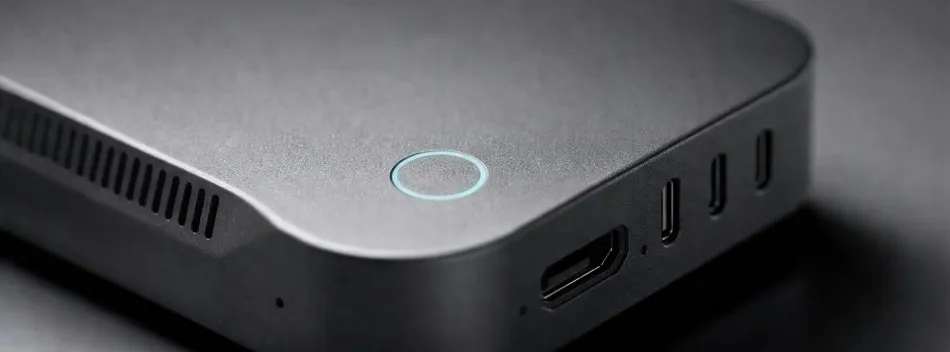
| Finish | Space-grey anodised aluminium cover, matte black textured lower shell and rubber base | Silver enclosure | Dark-grey anodised metal upper shell, illuminated ring |
| Controls | Front power button, reset hole | Power button with fingerprint recognition | Not yet published |
| Power | Not yet published | 330 W supply · 140 W sustained, 160 W peak | Not yet published |
Why run AI locally?
Cloud AI is convenient. Local AI gives you control over where your data lives, what your models do and how your infrastructure evolves. Many teams use both.
- Your data stays under your control
- Prompts, documents and models remain on hardware you manage, so you decide where information goes.
- Less dependence on cloud services
- Run workloads without relying on external API availability, usage quotas or a constant connection.
- Room to experiment
- Iterate on models, prompts and pipelines locally, at your own pace and on your own schedule.
- Flexible deployment
- Place compute on a desk, in a lab or at the edge, close to where data is created and used.
- Long-term ownership
- Own the infrastructure you build on and plan changes on your own timeline.
What you can run locally
The workloads the series is built for, on hardware you manage.
-
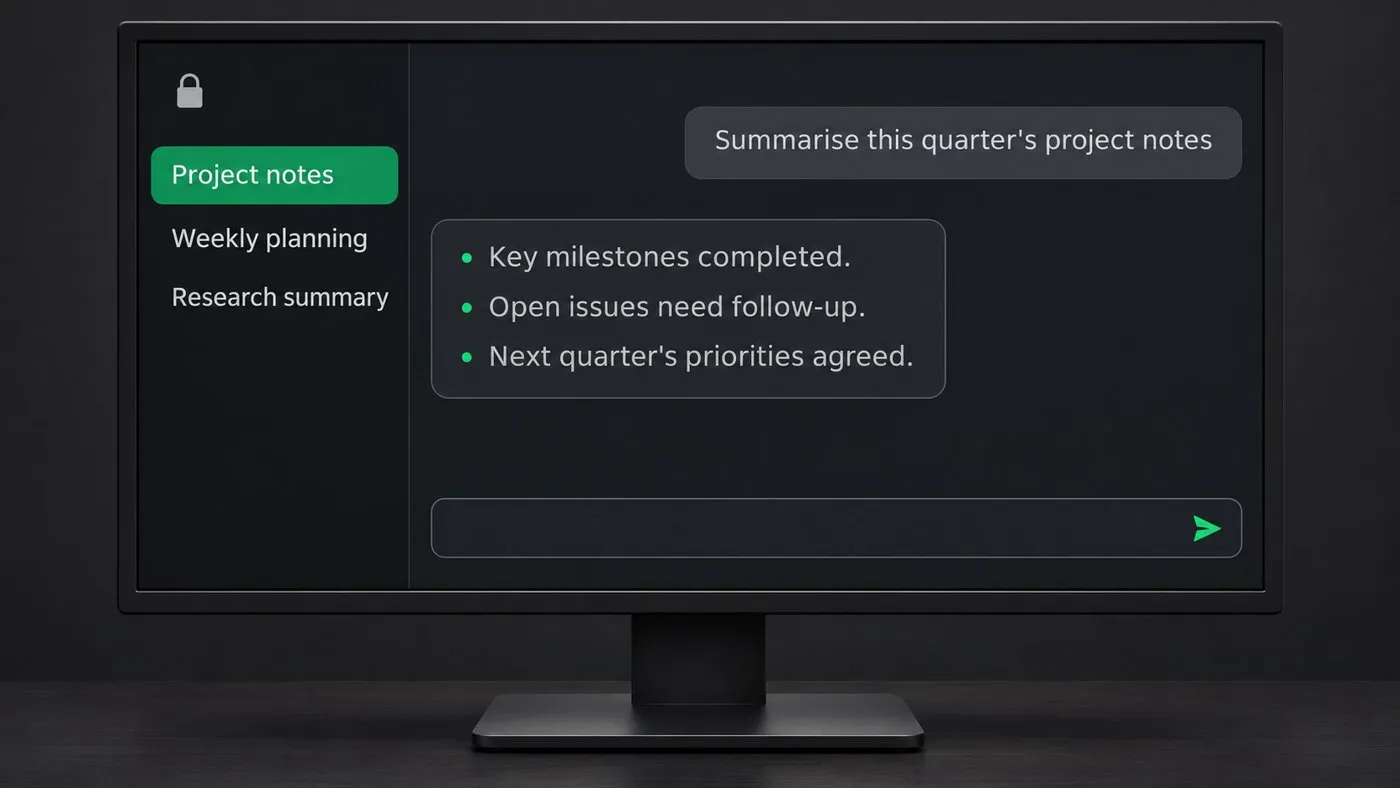
Local language models
Chat, summarise and draft with models that run on your own hardware, keeping prompts and documents in-house.
-
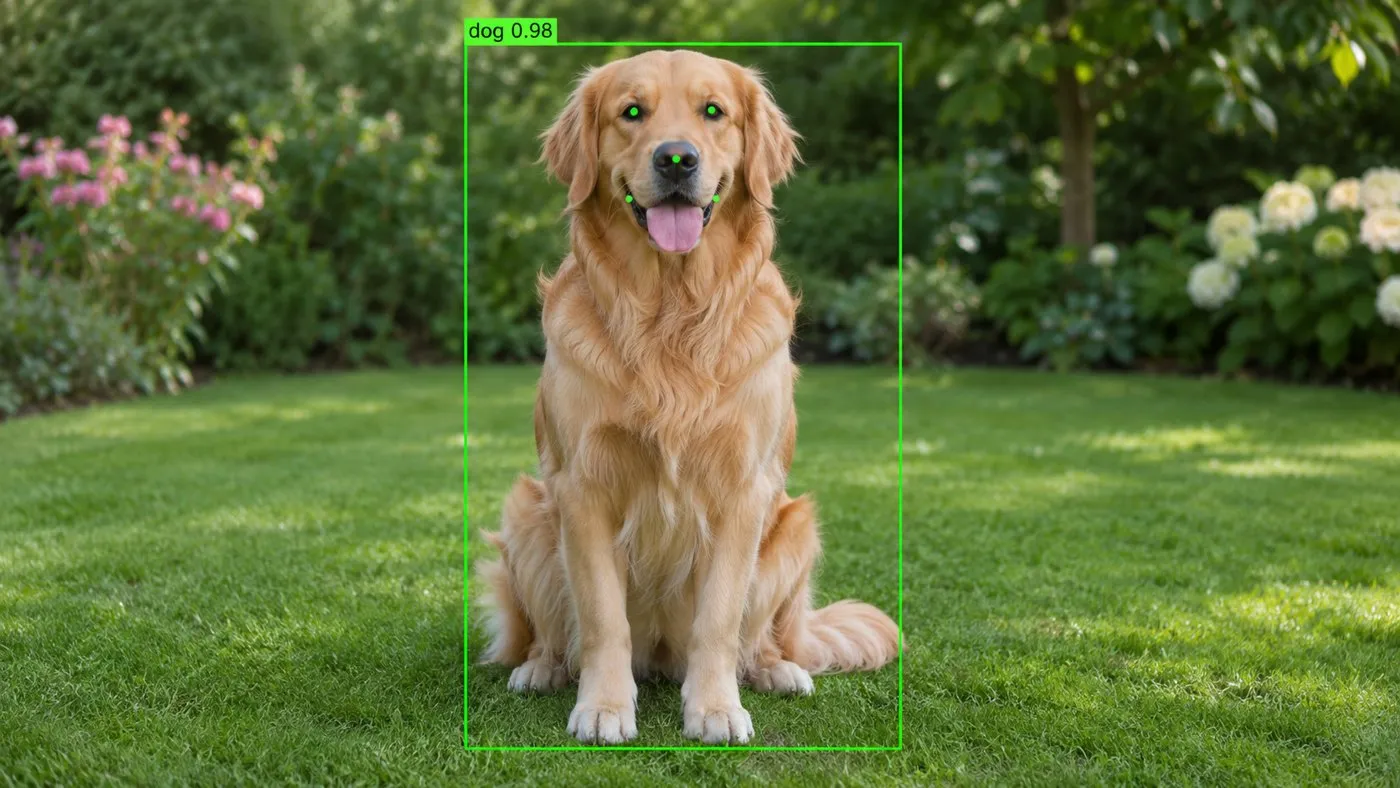
Vision and multimodal AI
Image and video understanding, from classification to models that combine pictures and text.
-
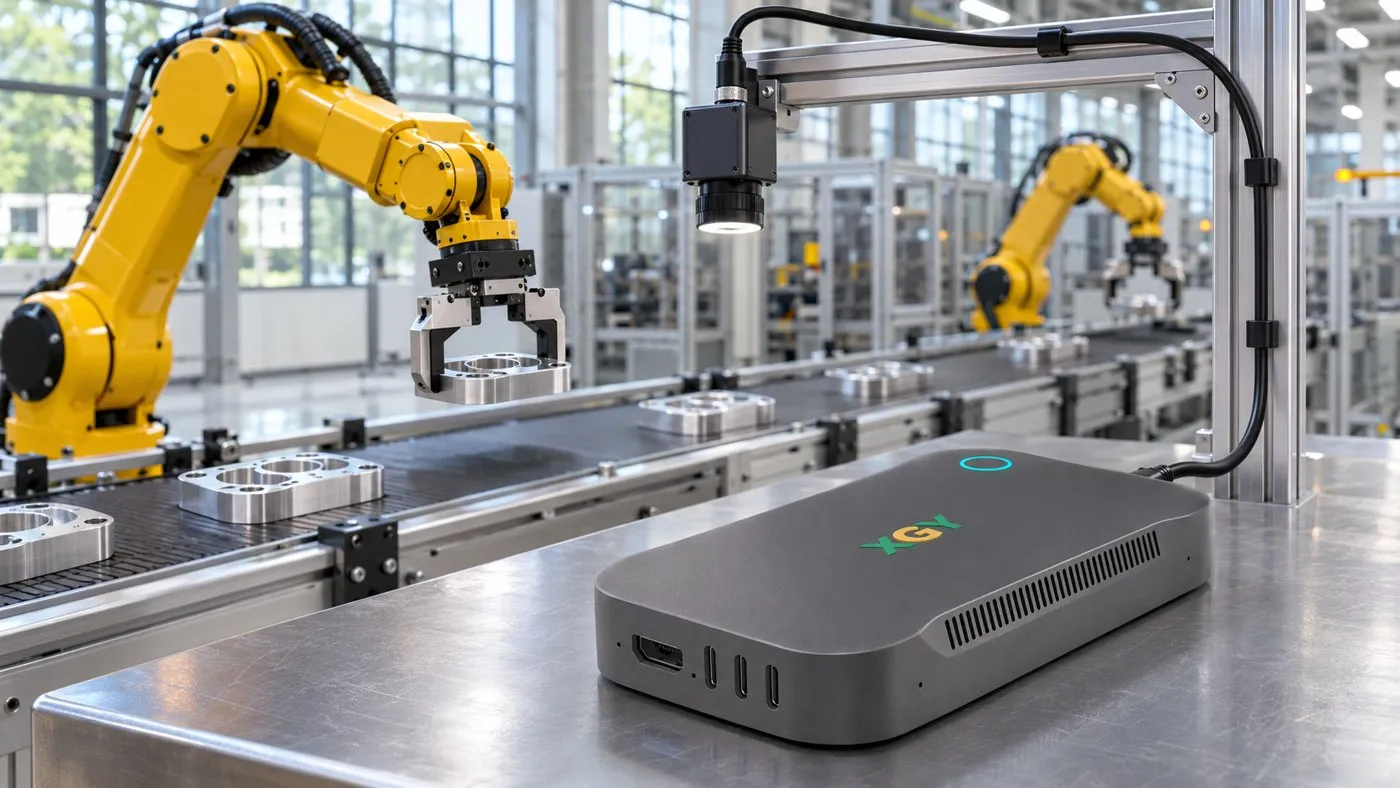
Edge AI on site
Inference beside cameras and machines for inspection and monitoring, without sending footage off site.
-
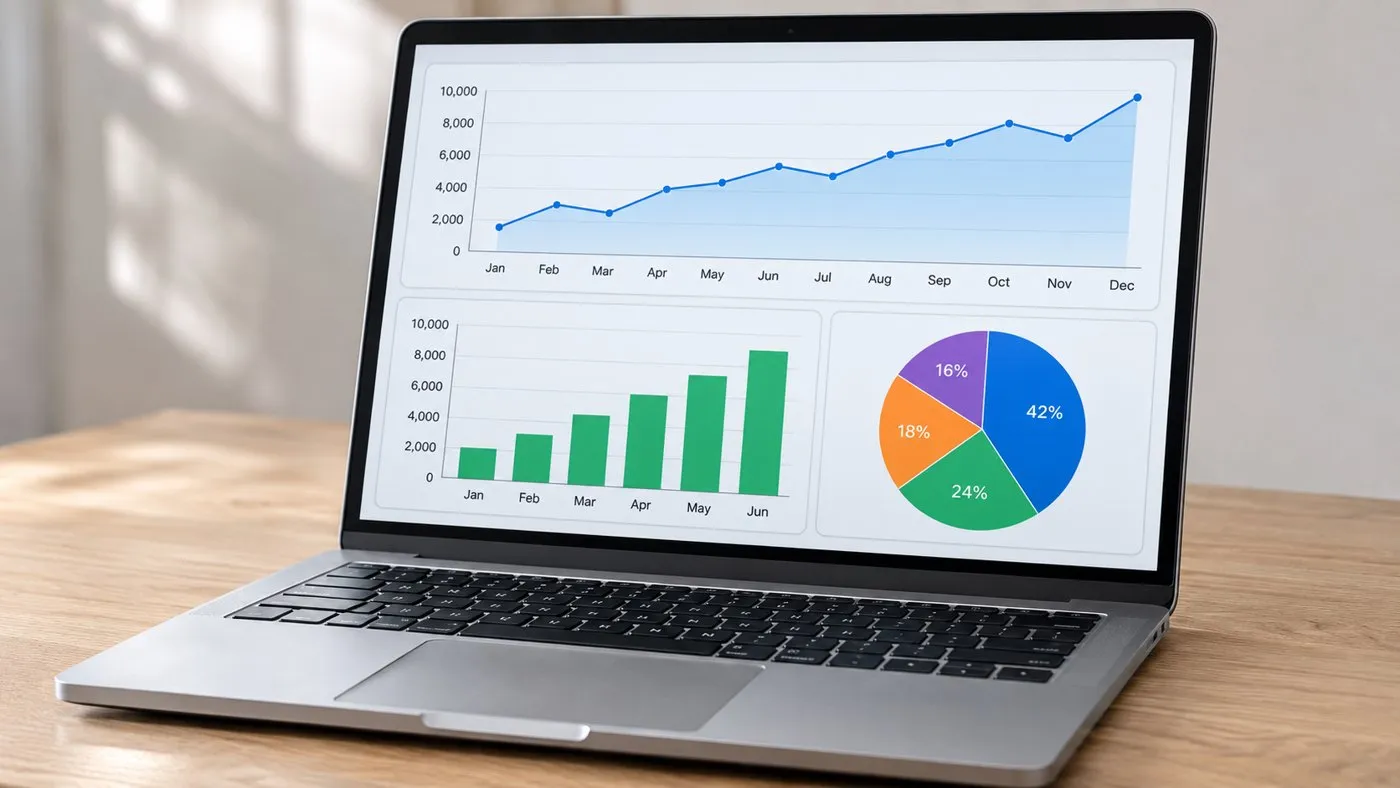
Data analysis
Analyse business data and generate AI-assisted reports locally, alongside your existing tools.
Images are illustrative. Software support depends on the model and configuration; ask us before you buy.
Built around your work
Four ways teams use the series, and the workstation suited to each.
-

Developers and AI enthusiasts
Build and test AI applications with models running on hardware you control.
Suited: Workstation Pro, Workstation Max
-

Business teams
Develop internal assistants and document workflows around your organisation’s own knowledge.
Suited: Workstation Max, Workstation Pro
-

Research and education
Create a local environment for model evaluation, AI demonstrations and hands-on learning.
Suited: Workstation Max, Workstation Pro
-

Edge AI developers
Bring inference closer to the source for on-site applications and compact installations.
Suited: Workstation Pocket
Scenes are illustrative.
Why XGY SI
XGY SI stands for Systems Intelligence: treating AI as a complete system of compute, memory, connectivity and software, and placing it close to the data and people who use it.
-
Practical AI infrastructure
Hardware chosen for real local workloads: memory, acceleration and connectivity that work together.
-
Engineering first
Specifications we can stand behind, published when confirmed, and described in plain terms.
-
Closer to your data
Compute that sits where your information and workflows already are, from the desk to the edge.
Find the Right AI Workstation for Your Workload.
Tell us about your models, data and where the system will run. We will help you work out which workstation fits.
Or email info@xgytek.com